
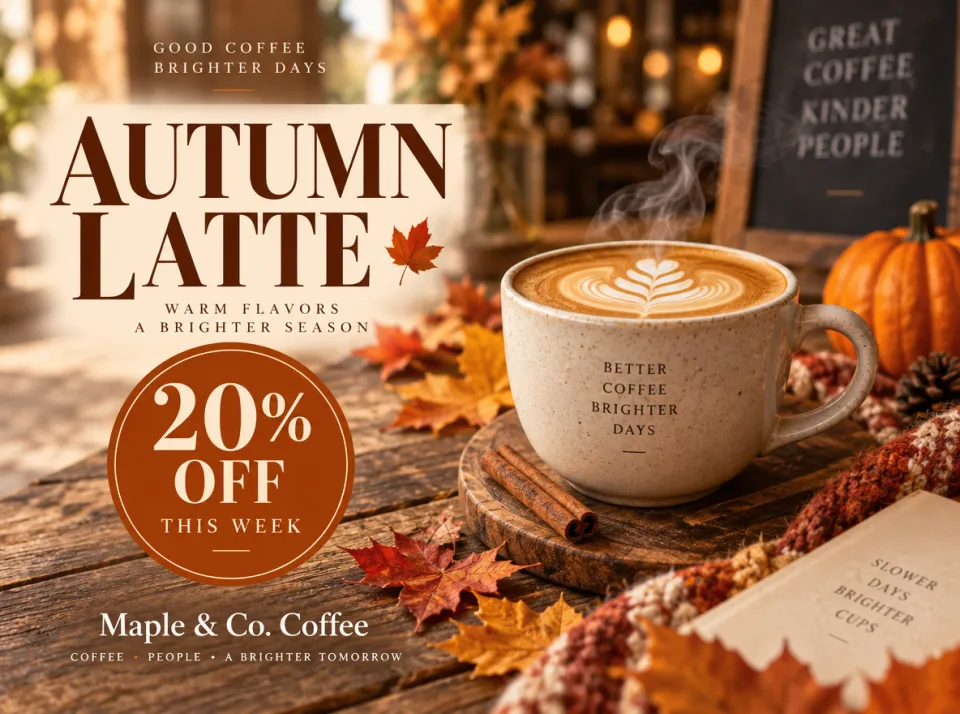
AI Poster & Banner Maker
Describe the offer and get a finished poster, banner or social graphic with readable headlines and prices — no design software needed.
Create and edit images in one sentence, powered by OpenAI's GPT Image 2.5: sharper detail, natural lighting and edits that stay precise.
Get inspired by what others are creating with Image2.5
Use cases
Posters, logos, thumbnails, infographics, stickers and comics. Describe it in a sentence and Image2.5 designs it, readable text included.
Describe the offer and get a finished poster, banner or social graphic with readable headlines and prices — no design software needed.
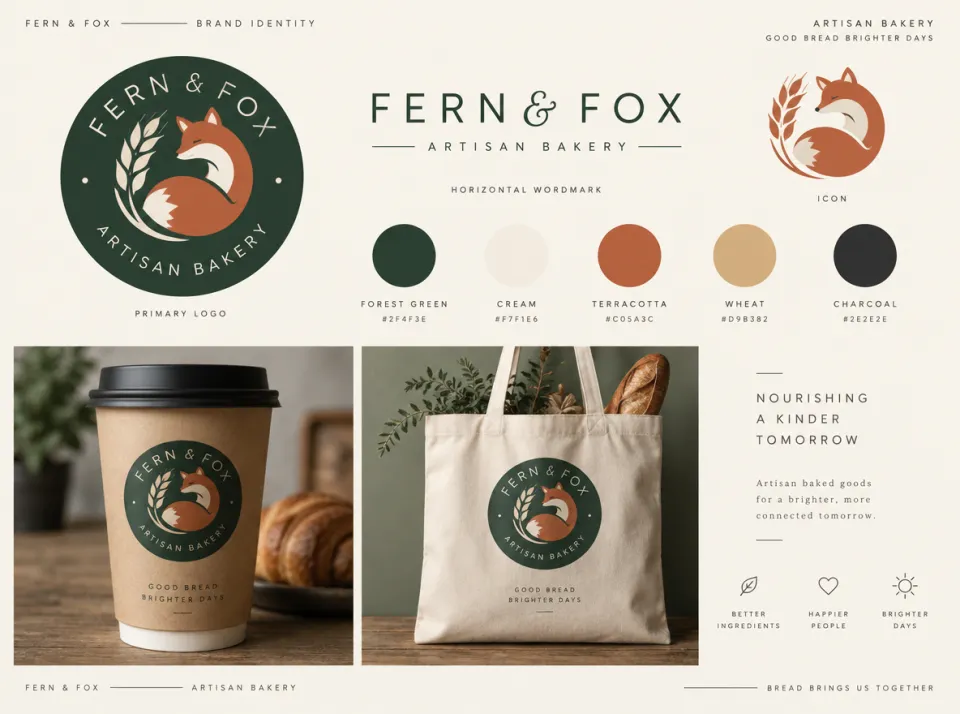
Name your business and describe the vibe. Get a logo, wordmark, color palette and mockups on cups, bags and signs to see how the brand looks in real life.

Bold YouTube thumbnails, Instagram posts and story covers with big, readable headlines that stand out in a crowded feed.
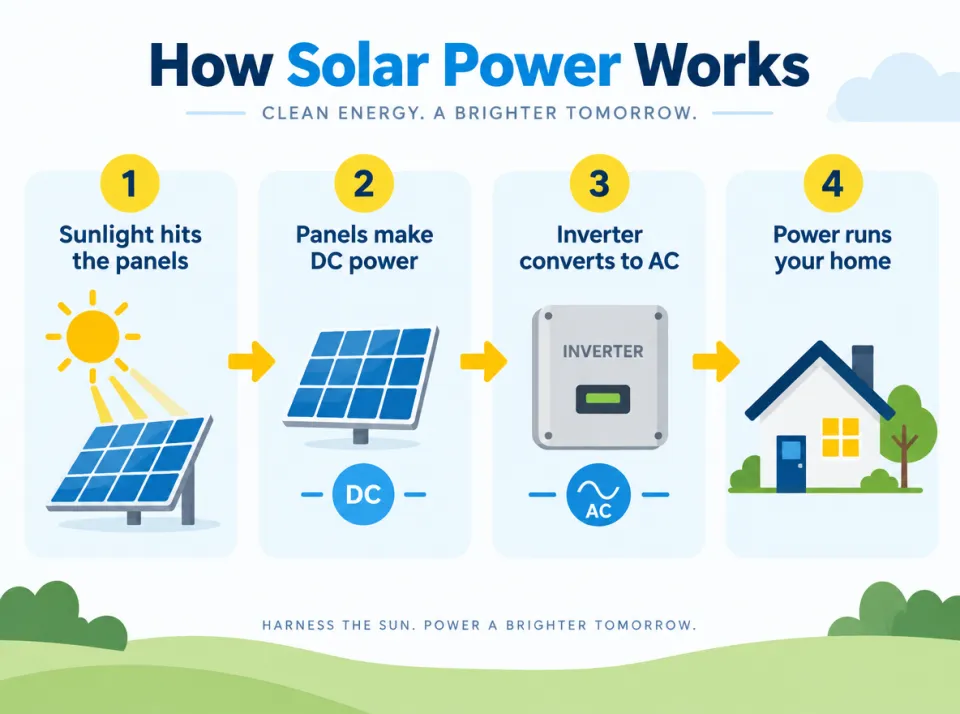
Turn a process, a set of steps or a few key facts into a clean infographic with icons and labels, ready for slides, blogs and social posts.
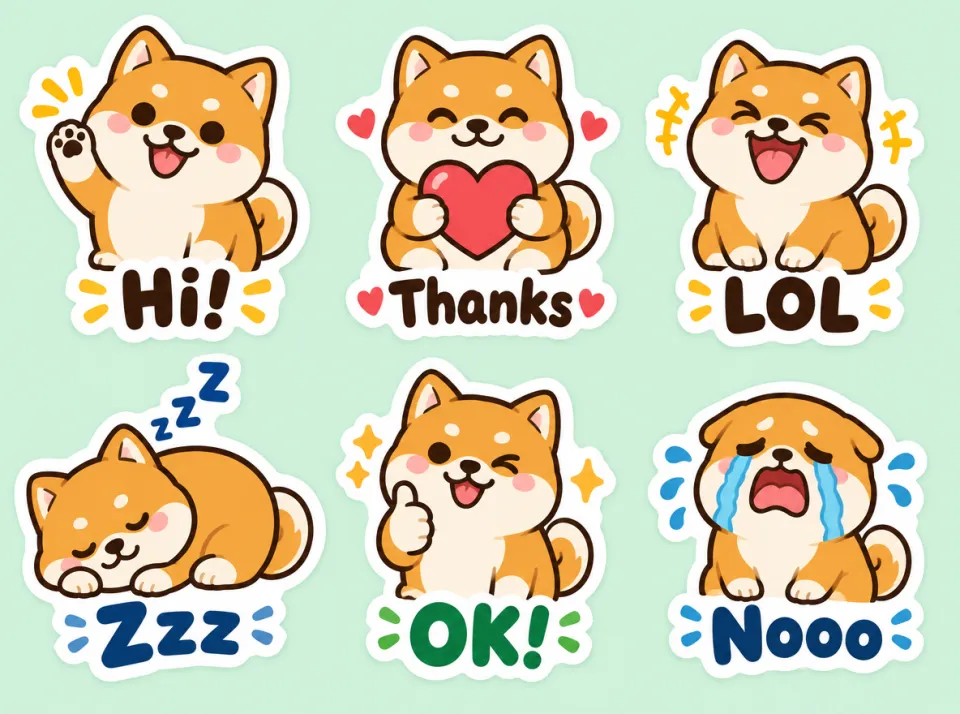
Create a full sticker pack of one consistent character — your pet, mascot or avatar — with short captions, ready for chats and print.
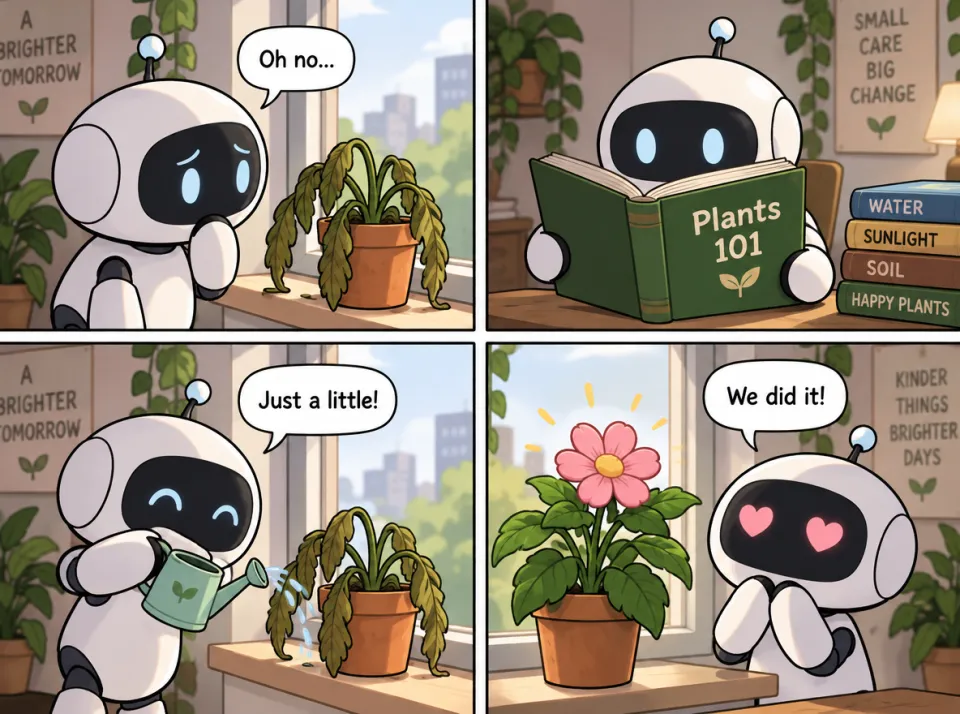
Plan a story in panels with the same characters from frame to frame and readable speech bubbles — for webcomics, storyboards and social posts.
AI photo editing
Each result was edited from the photo on the left, using the prompt shown.
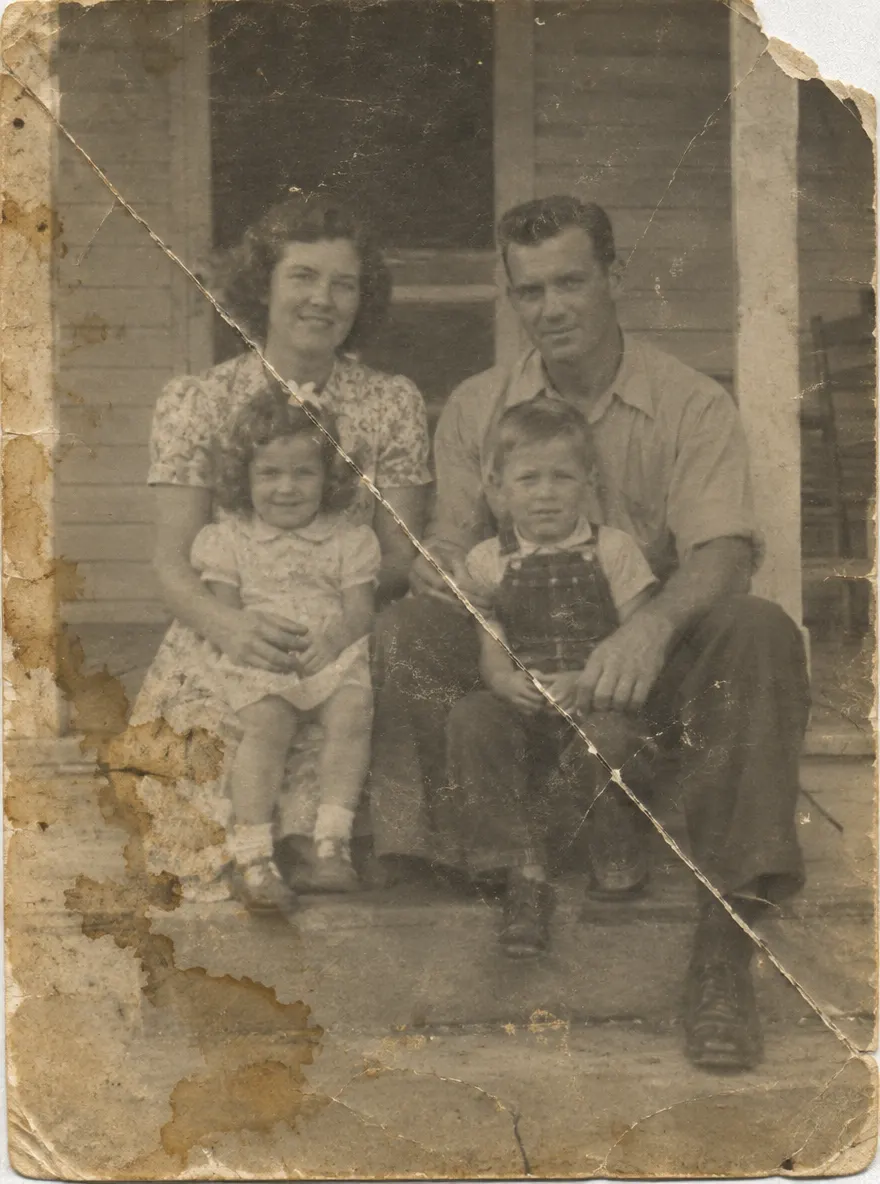
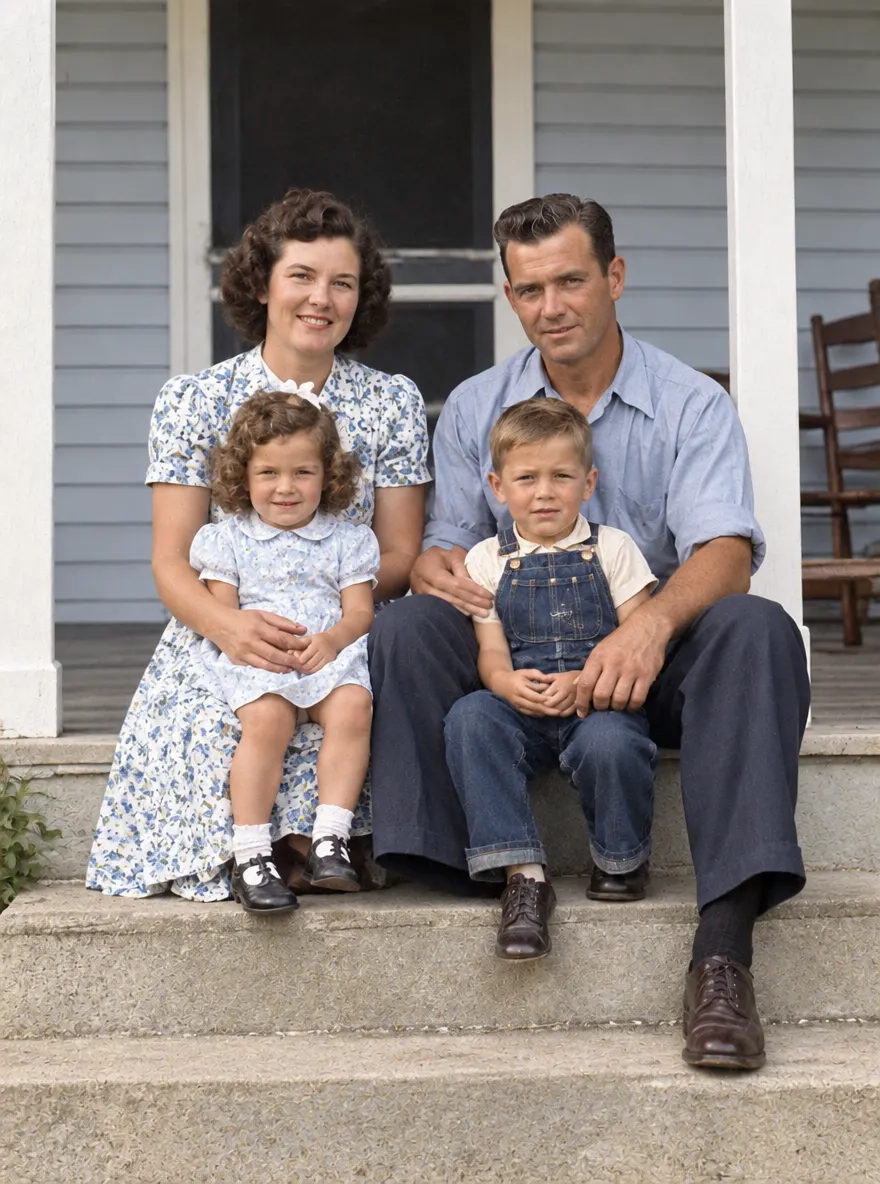
Bring faded, scratched family photos back to life. Damage is repaired and natural color is added, while faces and poses stay true to the original.
Restore and colorize this old photo: remove the scratches, creases, stains and fading, sharpen the faces, and add natural, realistic colors. Keep the people, their expressions, poses and the composition exactly the same.
How it works
Type what you want in plain words, or upload a photo you want to change. Add more reference images for try-ons, product shots or a consistent style.
Pick Fast or Thinking and send. Your words become an image in seconds, and the credit cost shows before you send.
Not quite right? Circle the part to change and say how. Only that area changes, and every version stays in the conversation.
Why Image2.5
Everything the model does well, in one simple generator, with a few extras that make editing easier.
Use Fast for quick drafts and everyday images, or Thinking when fine detail and precise edits matter most.
Headlines, labels and prices come out clear and readable, so posters, covers and product images are ready to use.
Draw on the image to mark a spot and say what should change. Everything you did not mark stays as it was.
Attach a few photos to one message to combine a person and an outfit, a logo and a product, or several subjects in one scene.
Upgrade when you need more generations. Cancel anytime.
Lite
For casual creators and personal projects.
~$0.041 / credit
From ~$0.17 per image
Includes
Pro
For creators, social media and e-commerce.
~$0.035 / credit
From ~$0.14 per image
Everything in Lite, plus
Ultra
For power users and small teams.
~$0.033 / credit
From ~$0.13 per image
Everything in Pro, plus
Learn & create
Practical tutorials, prompt ideas and model comparisons to help you get better AI images.

Make click-worthy YouTube thumbnails from one prompt with GPT Image 2.5: reaction face, before/after, numbered list and product review, each with a copy-paste prompt.
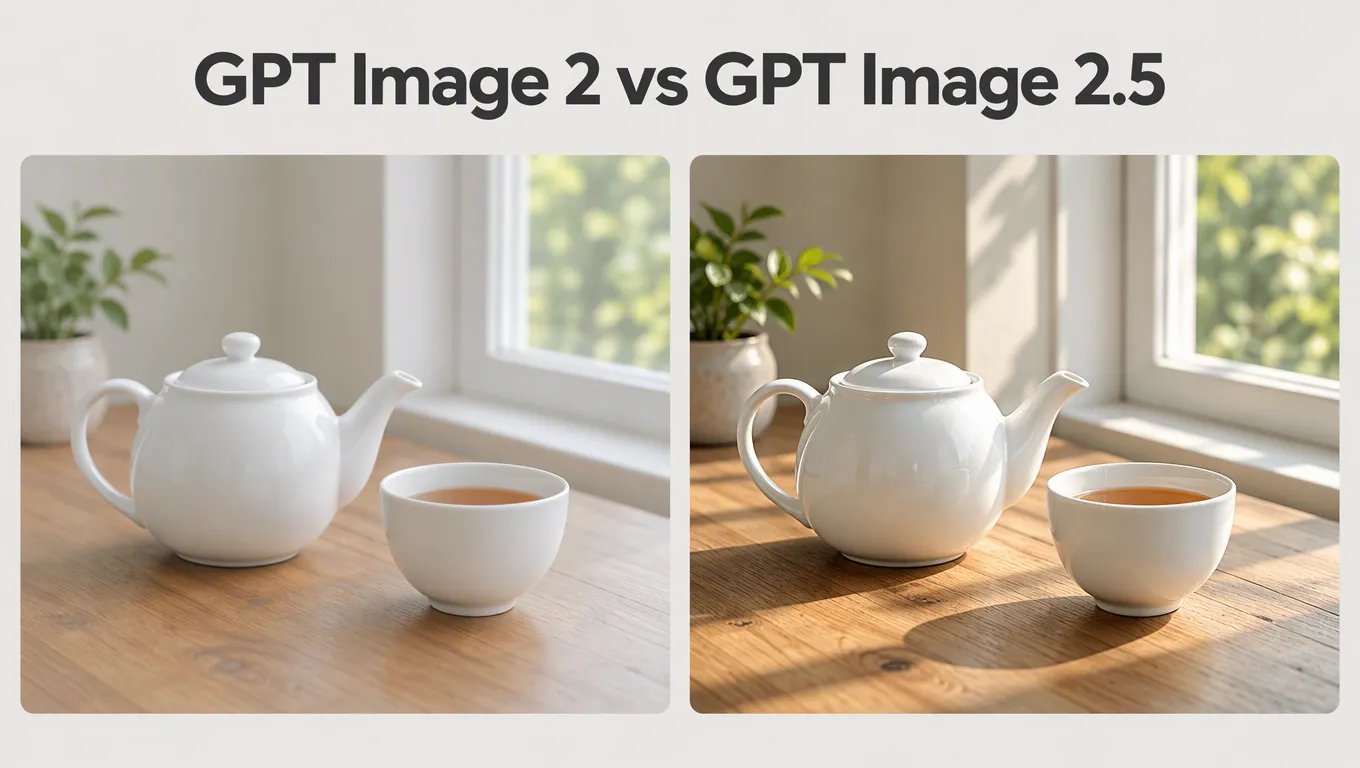
We ran the same prompts through GPT Image 2.5 and GPT Image 2 to see what actually changed: speed, lighting, detail, text in images and multi-turn editing.
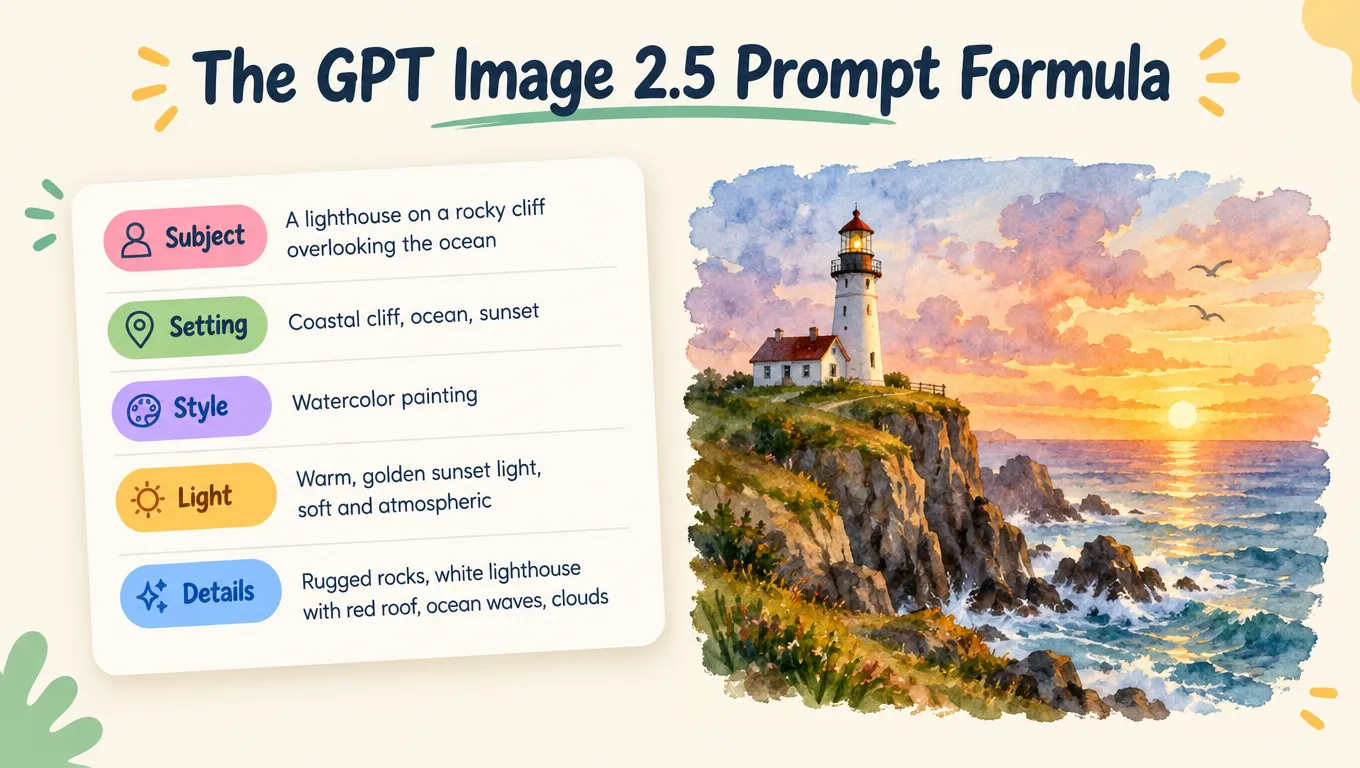
How to write prompts that GPT Image 2.5 follows: a simple five-part formula, tips for text and edits, and 20 ready-to-use prompts for photos, products, illustrations and designs.
FAQ
Image2.5 is an AI image generator and editor powered by GPT Image 2.5. Describe the image you want, or upload a photo and say how to change it. It writes the prompt and returns the result in the same conversation.
It's OpenAI's latest image generation and editing model, released in September 2026. It has two tiers: Flare for fast everyday images and Sunburst for maximum detail and precise edits. On Image2.5 they are called Fast and Thinking.
Fast returns images quickly and suits drafts and everyday work. Thinking spends more time on each image for intricate detail and the most precise edits. You can switch between them in the generator at any time.
New accounts get free credits to try it. After that, images use credits from a monthly or yearly plan, and the cost of each image shows before you send.
Yes. Headlines and short labels come out clearly. Put the exact wording in quotes in your prompt, and check spelling on the result before you publish.
Yes. Attach several images to one message, for example a person and a garment for a virtual try-on, or a few photos that set the style.
Describe the subject, the setting, the style and any text you want, in plain words and in any language. Put exact wording in quotes. Image2.5 turns your description into a detailed prompt, and you can keep refining in the same chat.
Common aspect ratios such as square, landscape and portrait, and resolutions up to 4K. Leave both on Auto to let the model decide.
Yes. All paid plans include a commercial license for the images you create. If you plan to publish at scale, also check OpenAI's usage policies.
No. Image2.5 is an independent product and is not affiliated with, endorsed or sponsored by OpenAI. We use OpenAI's GPT Image 2.5 model through third-party model platforms. GPT and GPT Image are trademarks of OpenAI.
Sign up, get free credits and make your first image with Image2.5 in seconds.